
What is an APK?
APK stands for Android Package Kit — it’s the file format used by Android to distribute and install applications. Just like .exe files are used to install software on Windows, APK files are used to install apps on Android devices.
APK files contain all the necessary components of an app — including code, resources, assets, certificates, and more — bundled in one package. They allow users to manually install apps that may not be available on the Google Play Store.
Why Use an APK File?
Using an APK gives you more control over your Android device. Here’s why people often install APK files:
- ✅ Access to Unavailable Apps – Install apps not listed on the Play Store in your country.
- 🔄 Early Access to Updates – Get new features before official releases.
- 🚀 Modified or Enhanced Apps – Use modded versions like Instander for better features.
- 🔧 No App Store Required – Install directly without needing Play Store or Google account.
- 🛠 Custom Functionality – Explore special versions made by independent developers.
However, it’s important to only download APKs from trusted sources to avoid malware or security risks.
Here’s How to Install an APK File (Using Instander as an Example)
STEPS TO INSTALL INSTANDER APK ON ANDROID DEVICES
🟢 STEP 1: Enable “Install from Unknown Sources”
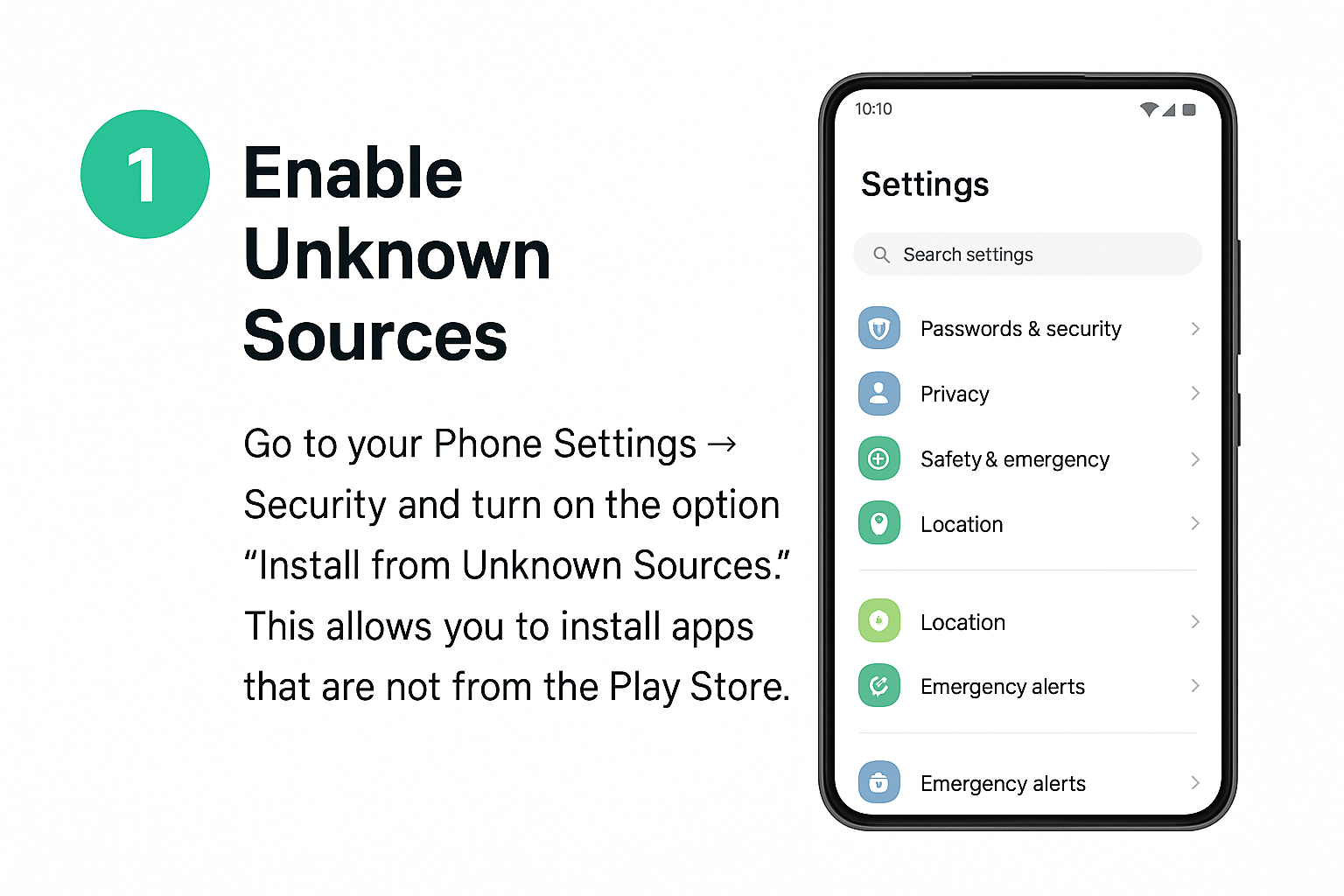
To install apps not from the Play Store, you must allow APK installation:
A. Open Settings:
Go to your phone’s Settings app.
B. Navigate to Security Settings:
Find Password & Security or Privacy & Security depending on your phone.
C. Tap “System Security”:
Locate the System Security option and tap it.
D. Go to “Installation Sources”:
Tap Installation Sources to view the apps allowed to install APKs.
E. Enable Chrome (or your browser):
Find Google Chrome, tap it, and allow APK installation from it.
🟢 STEP 2: Download Instander APK
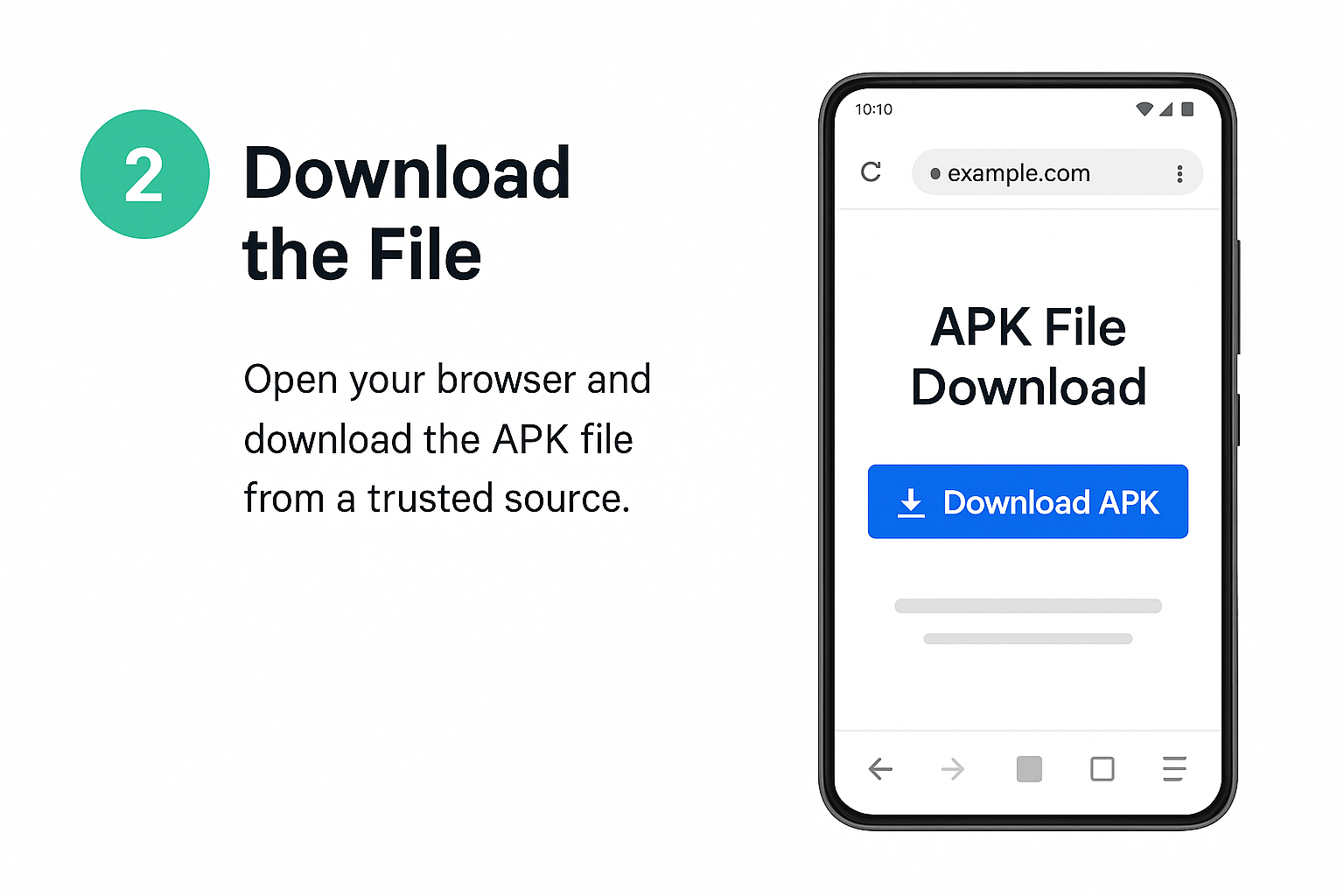
- Visit our trusted Download Page
- Choose the latest version (v17.2) or select from Old Versions
- Tap Download and wait for it to complete
📦 File Name: instander_v17.2.apk
📅 Updated: June 2025
🟢 STEP 3: Locate the Downloaded APK
- Open your device’s File Manager
- Go to Downloads or the folder where the file is saved
- Tap on the download Instander APK file
🟢 STEP 4: Begin Installation
- Tap the file and press Install
- Wait for the app to install (takes a few seconds)
- Tap Open to launch Instander
🟢 STEP 5: Log in and Customize
- Open the app and log in with your Instagram credentials
- Go to Instander Settings inside the app
- Enable features like Ghost Mode, AdBlock, Downloader, etc.
🔒 Safety Note:
Only download from trusted sources like our official site to avoid malware or fake versions.
To start enjoying all these features, just Download Instander APK that suits your android version now and follow the easy installation guide.